Phone Camera Face Recognition UI
A polished Python desktop application that connects to a mobile phone camera stream and performs real-time face detection using OpenCV and Tkinter.
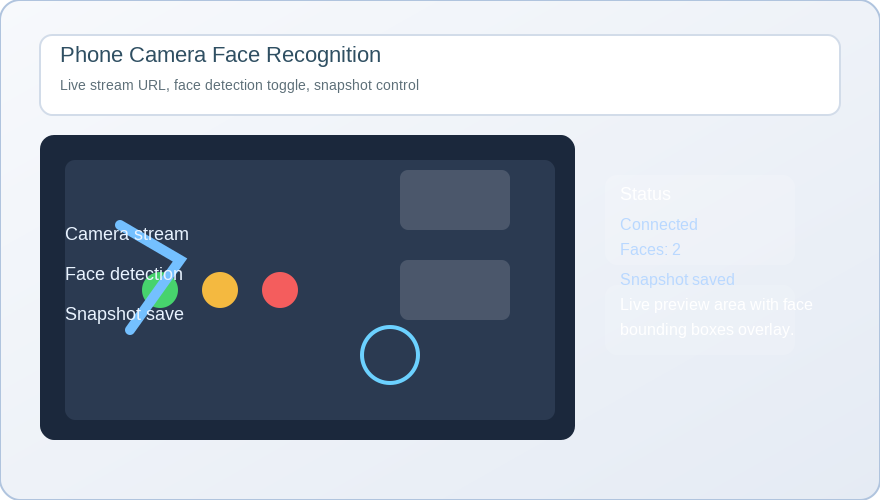
Project Overview
This project is designed as a modern GitHub project entry for a computer vision portfolio. It demonstrates how to:
- connect to a mobile phone camera stream over HTTP/MJPEG,
- process live video frames with OpenCV,
- detect faces using Haar cascade models,
- build a user-friendly Tkinter GUI,
- capture snapshots and log runtime events.
Features
- Live phone camera streaming support.
- Real-time face detection overlay.
- Toggle face detection on/off.
- Snapshot capture saved as PNG.
- Status logging for connection and action events.
Requirements
- Python 3.8+
opencv-pythonPillow- Tkinter (built-in on most Windows Python installs)
Installation
From the project folder:
pip install -r requirements.txt
Usage
- Start a phone camera streaming app that exposes an MJPEG stream.
- Enter the stream URL, for example:
http://192.168.1.100:8080/video
- Click
Kết nốito open the stream. - Enable
Bật nhận dạng khuôn mặtto see face detection rectangles. - Use
Chụp ảnhto save the current frame as a PNG file.
Run
python phone_cam_face_gui.py
Project Structure
phone_cam_face_gui.py— main application script.requirements.txt— required Python packages.screenshot.svg— visual illustration for GitHub display.README.md— project documentation.
Notes
- Ensure the phone and computer are on the same Wi-Fi network.
- If the stream does not connect, verify the URL and phone app settings.
- The application uses OpenCV Haar cascades stored in the local OpenCV installation.